 shipped
An app that uses art to study the human mind
Overview
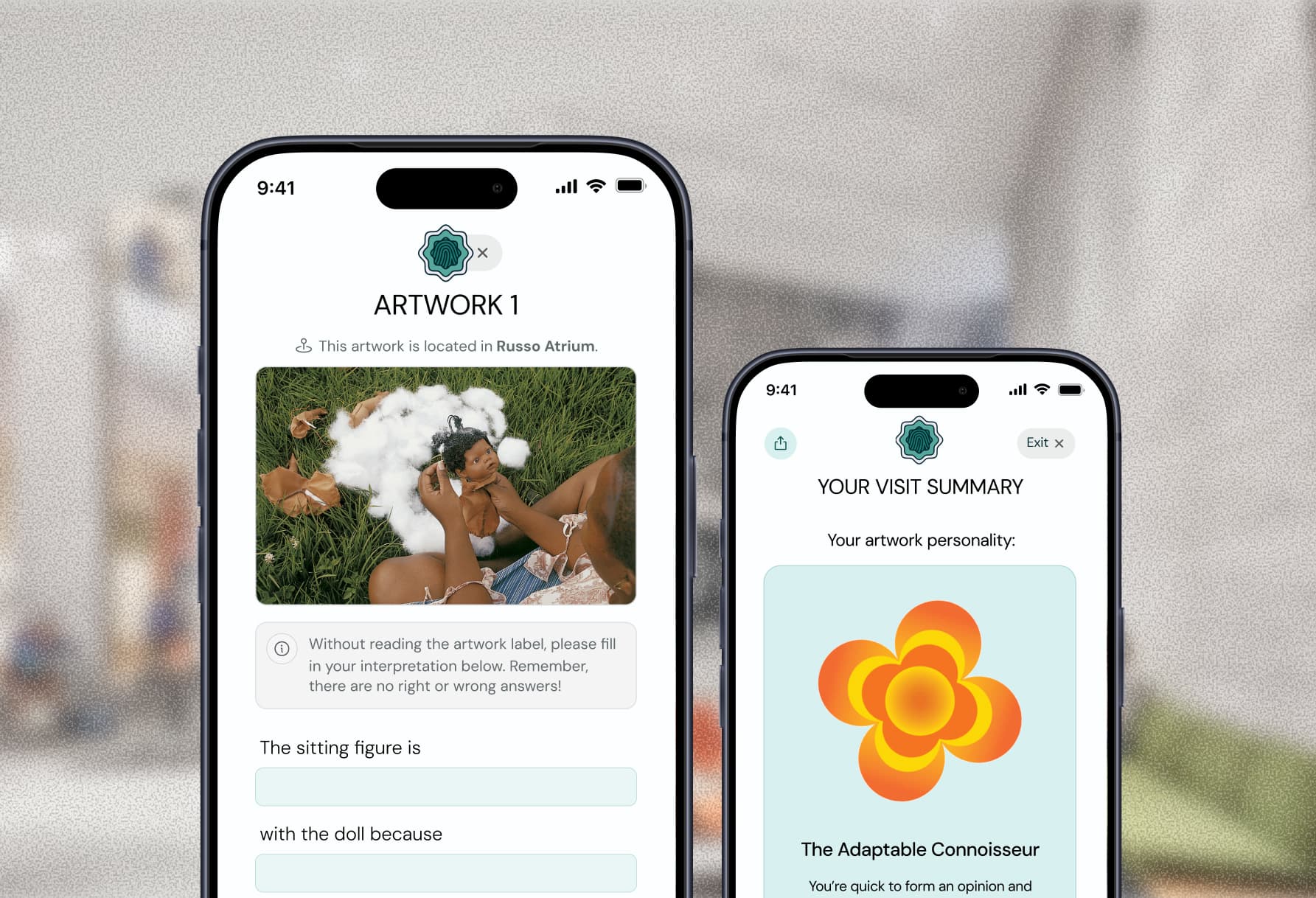
The FINN Lab, a neuroscience research lab, is studying how differences in image perception can explain broader phenomena like mental health and politics. To collect data for this research, they partnered with my team at the DALI Lab to create a mobile “edutainment” app for the Hood Museum of Art, where visitors can complete Mad-Libs-style artwork activities.
I led end-to-end design for activity and summary features within the app, from user research, visual design, and prototyping. I also contributed my own 2D graphic animations.
500+
downloads since release
89%
of engaged users explored multiple artworks
Opportunity
Researchers want to understand how individuals perceive the same image in different ways.
The FINN Lab team at Dartmouth wanted to reach a broader audience beyond their traditional lab studies. They partnered with the Hood Museum of Art in order to gather artwork interpretations from hundreds of everyday museum visitors.
The goal: a mobile “edutainment” app that could both collect research data, and keep users meaningfully engaged during their visit.
Challenges
Integrating a research study poses many design constraints
Before beginning the design process, my team and I sat down with the research team to discuss what exactly their study required. This helped us understand how we could translate their research goals into app features that visitors would still enjoy using.

Consent
Users must onboard with a consent and demographic information form in order to participate fully and receive compensation.

Objectivity
Designs should record quantitative data from users, but should avoid using numbers or percentages to not bias or influence users.

Clarity
Activity instructions should appear often, and be clear and concise so users produce accurate data for the researchers.
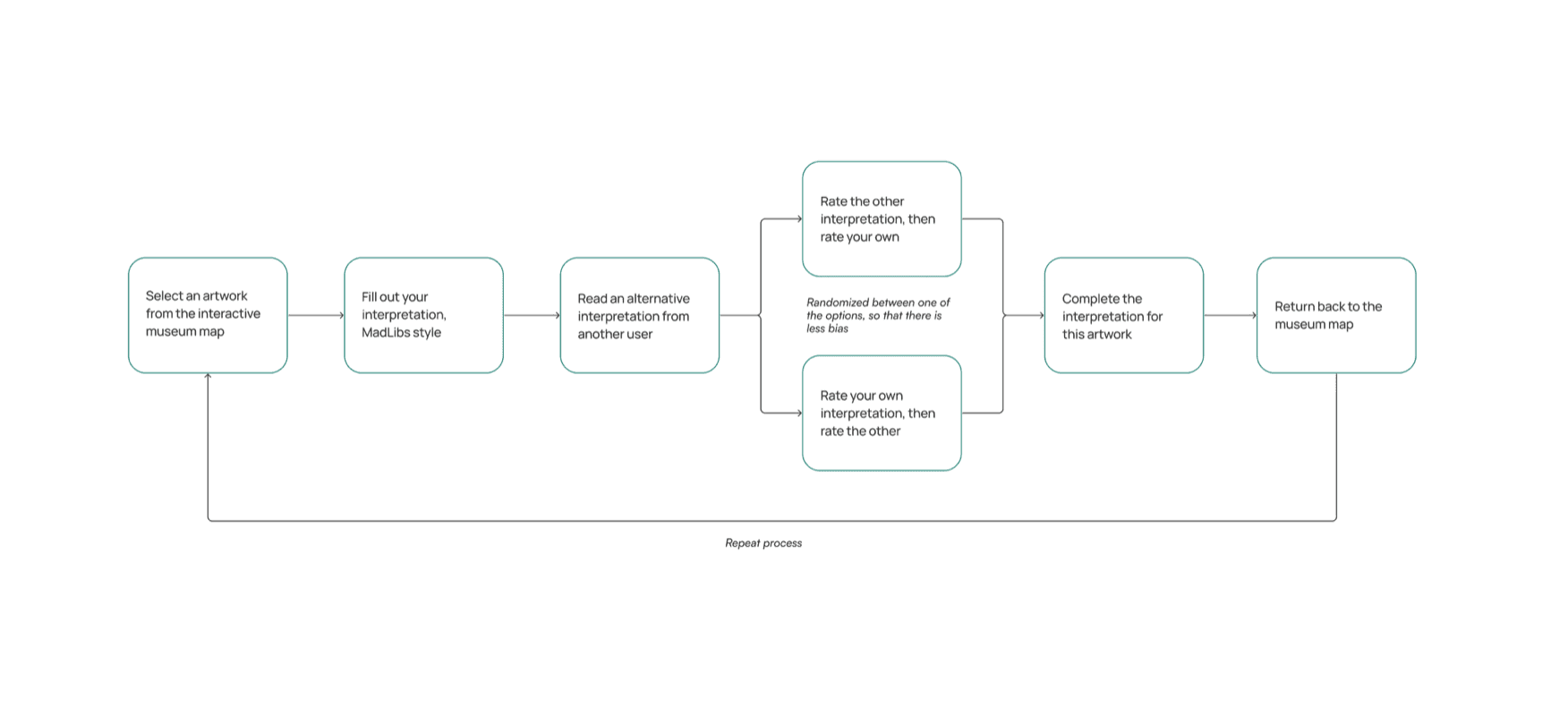
For the main app experience, we were presented with a complex scientific proposal used within their lab setting, which we distilled into a simplified user journey.
Sufficient data collection was the biggest goal of the app
In the lab study, participants were paid to analyze 45 paintings. At the Hood Museum, visitors participated voluntarily. They’d earn $2 per interpretation if they shared their demographic data.
The challenge for us was designing an experience engaging enough to motivate multiple responses, and help the lab reach their goal of 500 participants.

How might we effectively facilitate a neuroscience research study while making visitors’ museum experiences enjoyable?
Research
Users told us how they enjoy a typical museum experience
We sat down with 8 college students and 2 faculty members to understand a typical museum visitor’s experience. They ranged from casual museum visitors to those with educational backgrounds in art history.
The researchers had a specific interpretation activity structure to follow, which meant that our interviews were centered around understanding what kept visitors engaged in museum experiences, what made their experiences memorable, and how we could digitize their activity and interpretation data.
8 / 10
expressed they enjoy seeing the full story, artist, and context behind a piece of art
6 / 10
share experiences they find interesting both digitally and in person
9 / 10
expressed interest and ideas for summary statistics at the end of the museum experience
Competitive Analysis
Understanding the status quo of museum experiences
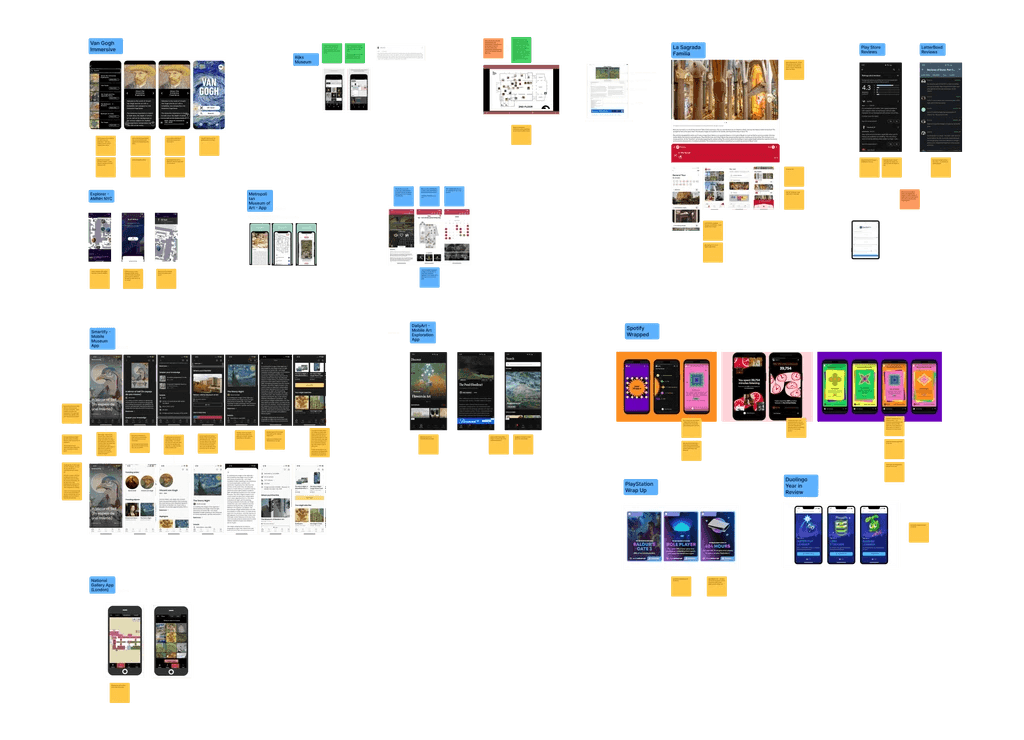
In order to understand existing user flows and features, we conducted research of 11 museum mobile apps, and 3 apps that had activity summary features. From our research, we gained a clearer understanding of existing design standards in place that we were able to translate to our iterations.
Ideation
Exploring designs across three feature buckets
Our research led us to split design tasks into three main buckets. I touched each feature, but mainly worked on interpretation and activity summary screens.
Museum map navigation
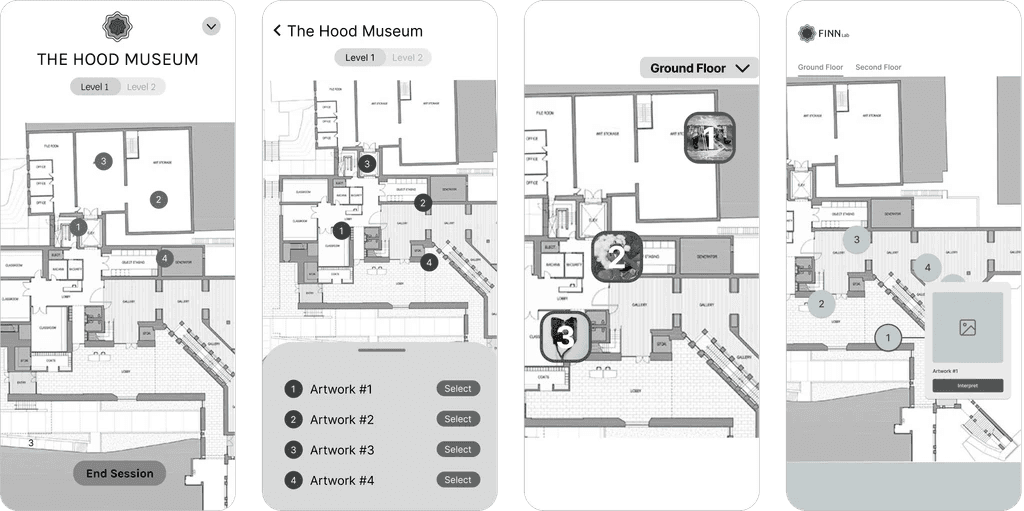
Users needed to first navigate the museum map, which labeled artworks that were part of the study. We ideated on multiple versions of map and artwork selections.
Through design critiques with 5 designer peers, and insights from early design walkthroughs with informal user tests, clickable navigation numbers with image previews felt the most intuitive and accessible.
Interpretations and artwork ratings
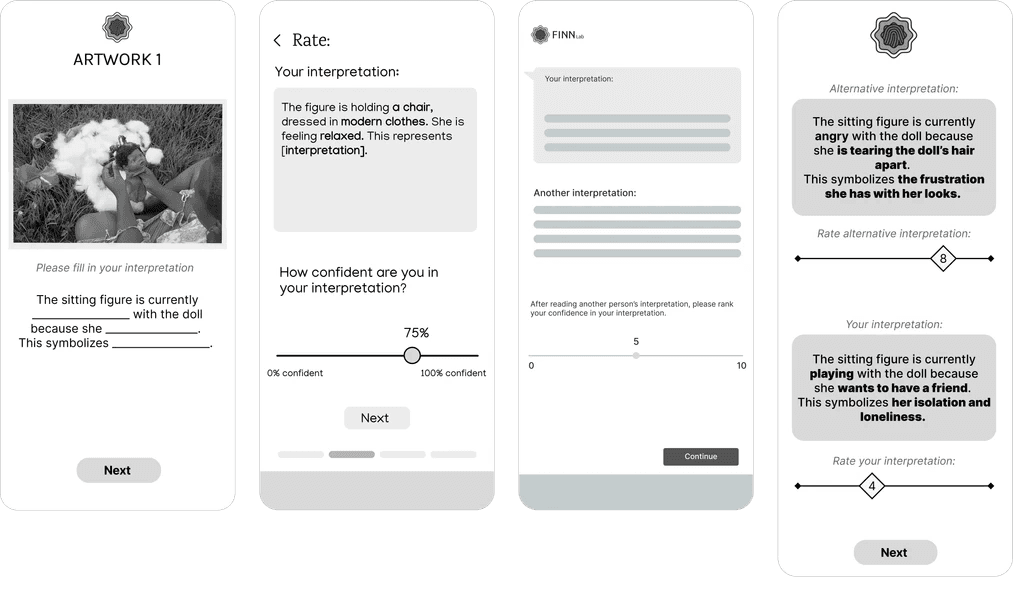
For each artwork, users were brought to interpretation rating activity that asked them to fill out their own interpretation, rate their own, and rate another user’s interpretation.
Rating features are typically based on scales or percentages, but we couldn’t use any numbers or percentages due to the risk of bias or influence. We also couldn’t allow users to go to previous pages to change their ratings. It was here we realized that we needed to split up the screens and add more guardrails than we expected.
Activity summary
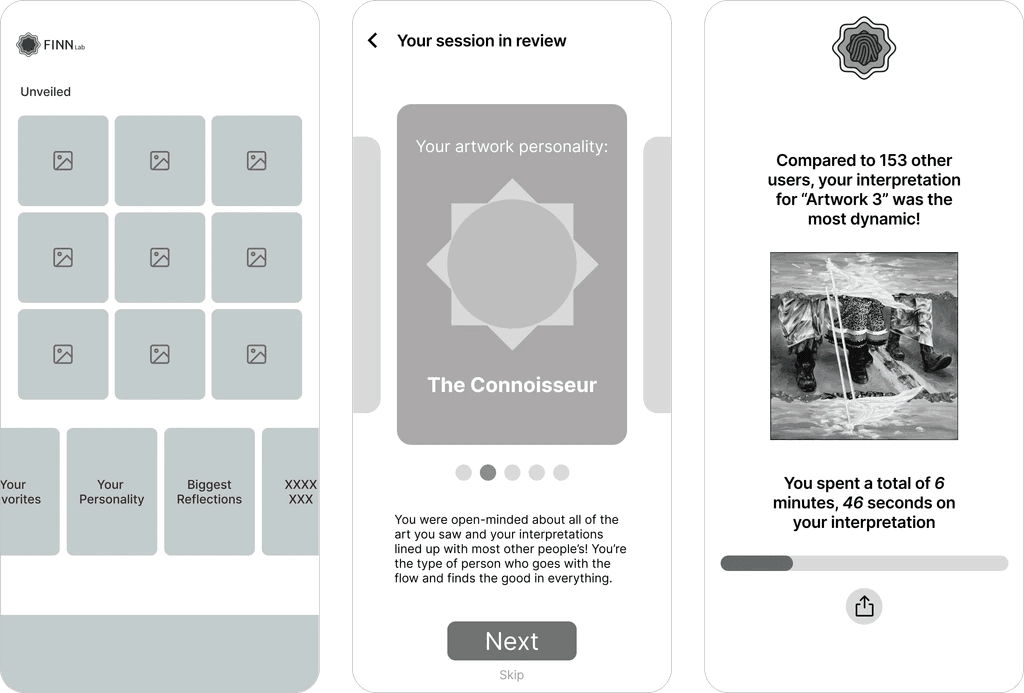
After users finished their visit, they’d be able to see their activity summary. Some interviewees noted they love seeing summaries of their app activities or statistics, and gave us examples such as Spotify, Duolingo, and Strava.
Building on those insights, we created a gallery screen showing all the artworks seen by the visitor, and artwork personalities inspired by Spotify Wrapped. We also extended the Spotify Wrapped idea with time-based statistics.
Designs
Bringing life to the overall experience
Instructions & guides
Instructions had to be extra clear so that anyone (“even a grandma,” as our clients put it) could understand the activities easily.
Initial instruction modals





I prototyped the initial instructions to appear right when entering the map.
Page by page callouts
I designed additional callouts for each stage if the user didn't complete certain parts of the activity.
Museum map & navigation
The entry point into finding and selecting an artwork.
Floor toggle
Through user testing, we found a toggle switch was the most intuitive. I used Photoshop to produce cleaner diagrams of the museum floors that fit a vertical screen.
Artwork selection
Tapping on a number showed a preview. Using actual names of artwork could bias a user's interpretations, so we labeled them by number.
Interpretation activity
Interpretation order
Users first input their interpretation, rate their own interpretation, then read the interpretation of another museum visitor.
Instructions button
If the user is confused at any point during the activity, the "?" button on the top left of the screen provides clear popup instructions for the specific page.
No back buttons
Against typical UX practices, we had to remove back buttons from each page to prevent users from going back to change their interpretations or ratings. The research team emphasized this so that results were consistent.
Activity summary
Users can end their session at any point during the experience. Once they do so, they’re brought to their activity summary.
Summary ingress
The activity summary is created by session. Users can use the app multiple times.
Artwork personalities
The user is able to see their "artwork personality" and other statistics derived from their artwork interpretations during their session.
Additional Work
Adding more delight with my own animations
The research study’s “artwork personalities” are based on the concept of “listening personalities” from Spotify Wrapped 2022. Quantitative data from the artwork interpretations was categorized into four different interpretation styles.
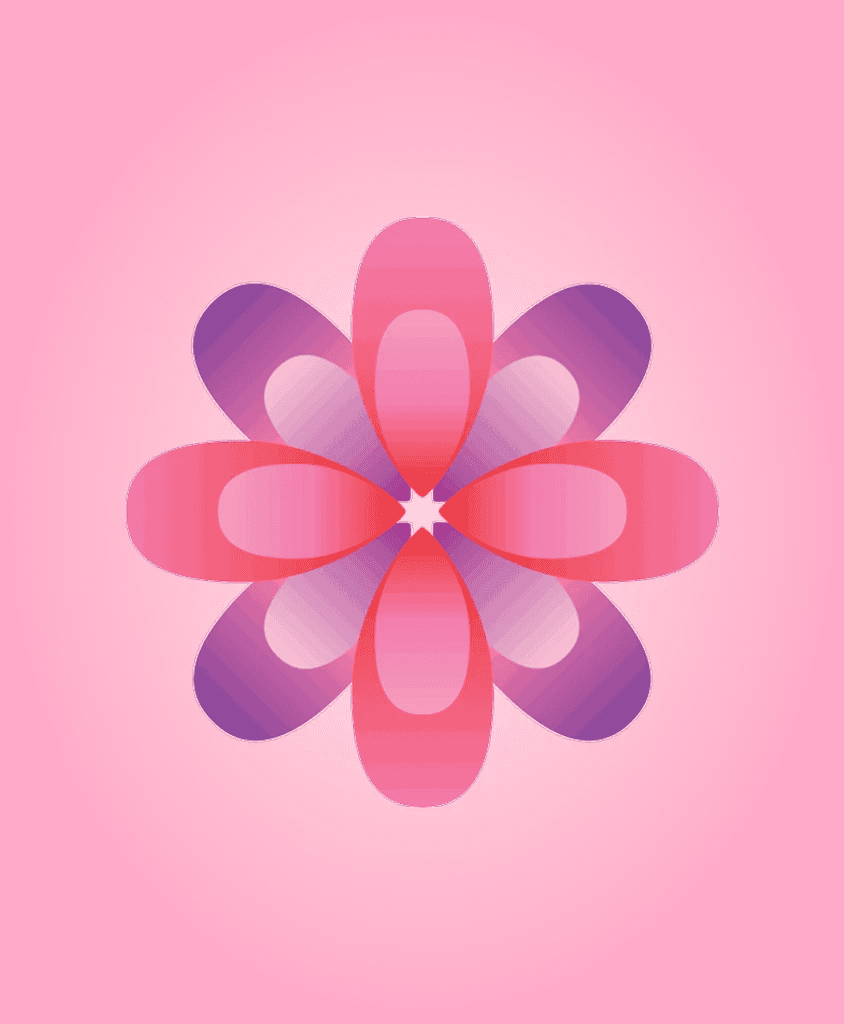
The Flexible Appreciator
You approach art with an open mind, revising your views as you learn more. Your thoughtful flexibility shows that shifting perspectives can be just as powerful as certainty.

The Cautious Observer
You take your time with art, observing details and absorbing subtleties before forming an opinion. By playing devil’s advocate, you make interpretation more thoughtful, and fun!

The Adaptable Connoisseur
You’re quick to form opinions—and just as quick to revise them when new insights arise. Your adaptability reflects a deep engagement with art. Flexibility is your superpower!
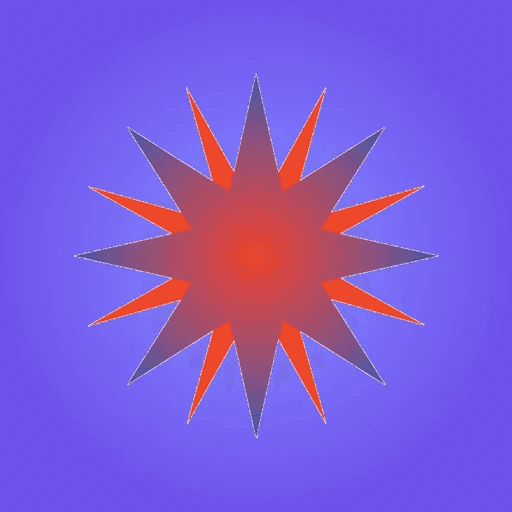
The Decisive Critic
First impressions really matter to you — you tend to know exactly how you feel about a piece of art the moment you see it. You don’t spend time constructing elaborate narratives — your reactions are quick and instinctive. That’s a strength!
Personality animations
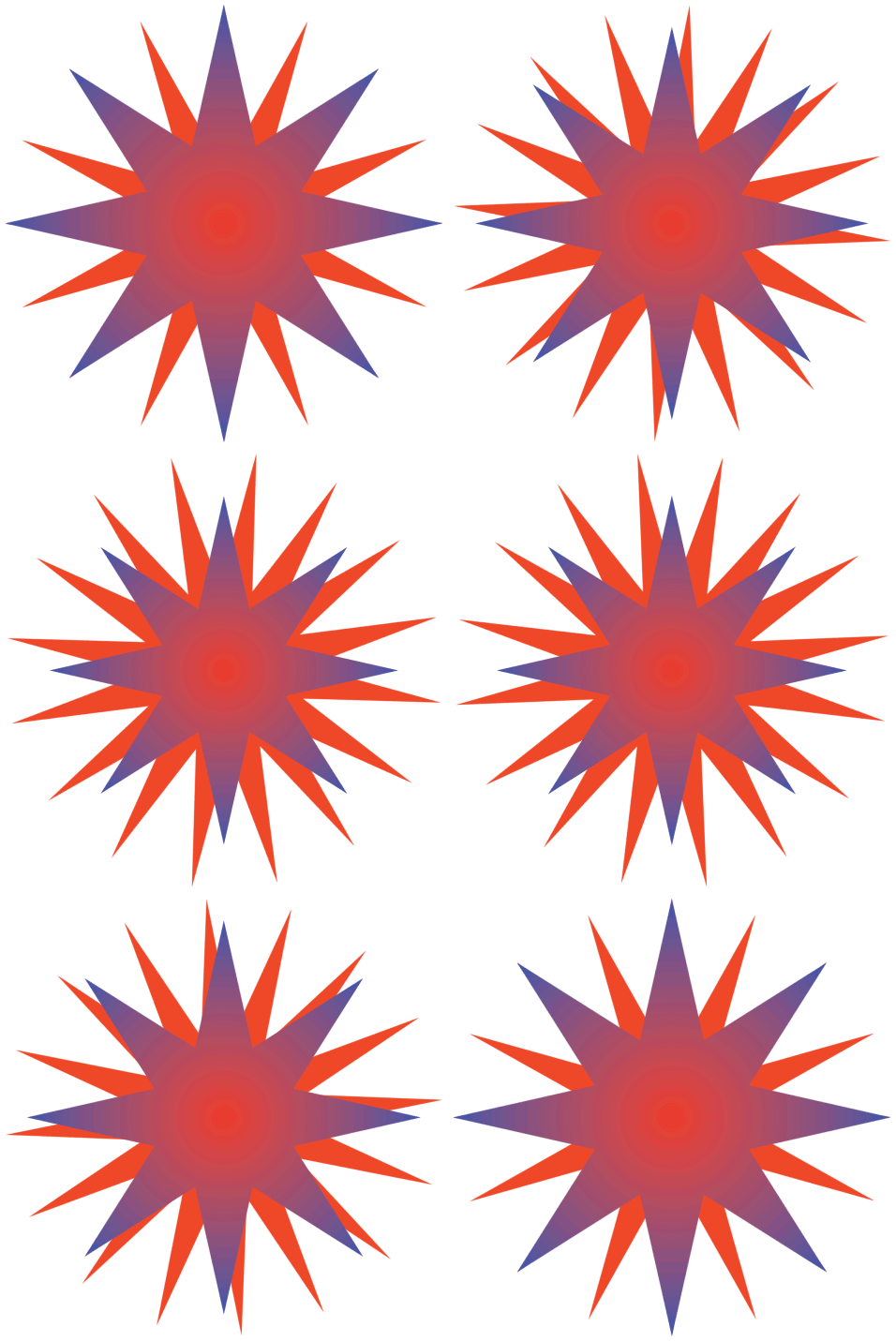

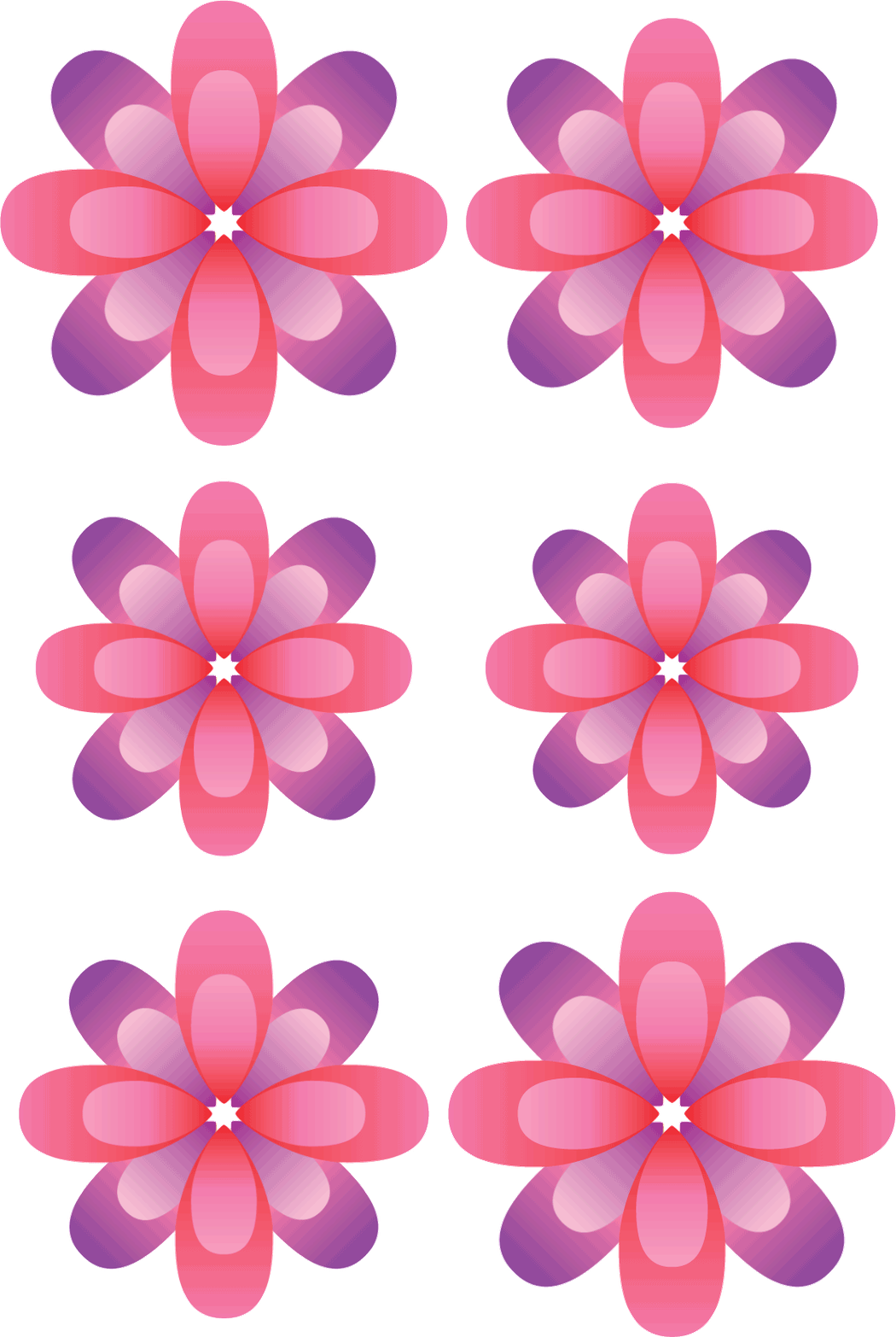

Designed in Adobe Illustrator, animated in After Effects, compiled into GIFs using Photoshop
Impact
100% user goal reached within 6 months
ArtLibs was released on the iOS App Store in Fall of 2024, and in a few months received over 500 downloads from visitors at the Hood Museum, which exceeded the FINN Lab’s initial research goals by 14%. It’s still downloaded and used by museum visitors today.
Kind words from our partners at the FINN Lab


“ArtLibs has been a great success over the last year, and we are so thankful to you and the whole team for the amazing job you did on it!”
Emily, Principal Investigator
“The interpretation personality styles you all created are working exactly as we hypothesized, and people are reporting really enjoying them.
We’re seeing clear relationships between using the app (reinterpreting artwork) and people’s enjoyment of art.”
Clara, PhD Candidate
Kind words from our app users
“I really liked the user interface of the app and the prompts. Sometimes it is hard to know where to start interpreting a piece of art, and the app helped guide that process”
“I liked how the app forced me to think critically about an art piece instead of interpreting it on a surface-level basis. I went alone to the museum. I enjoyed my experience, as it was calming and serene. I felt no anxiety or pressure which was great for fostering creative thinking.”
I did it with my friend and we both had a good time. The analysis at the end was really fun too. This made looking at the artwork and going to the museum so much more interactive.
Reflections
What I learned from my first consumer project
Being my first large-scale product design project, ArtLibs taught me a lot in terms of design, working with clients, and collaboration.
I worked with such a wonderful team of designers and engineers -- Ismail, Stephanie, Summer, Thomas, Brian, Rachel, and my project manager, Ashna. We presented our project at Technigala, Dartmouth’s quarterly tech showcase, at the end of the academic term, and received very positive feedback from the Dartmouth community.
Constraints help you work smarter
Our quick 6-week timeline, and following research study requirements, introduced constraints that conflicted with the “ideal” UX process, but this pushed me to think much more critically about tradeoffs.
Good design is memorable
The purpose of ArtLibs was to gather research data, but watching students talk excitedly about the app, even months later, made me realize that making a great user experience is long-lasting.